Help Centre
We’ve built EasyPDee to be intuitive, if you have questions, whether you’re a Learner, Earner, or Affiliate, you can find answers here.
Our Most Common FAQs
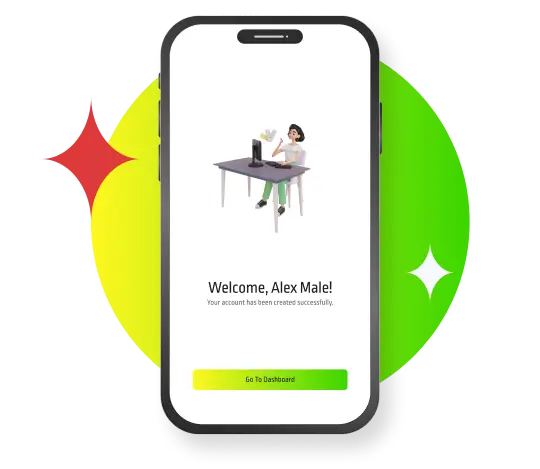
Creating an account is quick and easy. Simply download the app or sign up via the website, follow the prompts, and you’ll be ready to go in just a few minutes.
If you’d prefer more detailed instructions, our step-by-step guide provides a simple overview of how to sign up and get started.
A Learner is someone who accesses and completes CPD sessions to build their knowledge and skills.
An Earner is a content creator or contributor who provides CPD sessions and earns income from their content.
An Affiliate promotes EasyPDee and earns commission by referring others to the platform, simply share the affiliate code that’s in your profile.
Yes, you can absolutely be all three! Many users choose to learn from sessions, create their own content, and share the platform with others, all at the same time.
Once you’ve created a Learner login, you can browse our full collection of available sessions. From there, simply choose and purchase the CPD session that suits your needs.
You can watch your sessions on the go, in your spare time, or even listen as you would a podcast. Once purchased, sessions are available to download, so you can access and watch them anytime, even offline.
If you’re signed up as an ‘Earner’ and submitting CPD content for sale, this guide provides clear, step-by-step instructions on how to record your session and upload it successfully to the platform.
We aim to review and approve all newly uploaded CPD content within 72 hours. Once your submission has been approved, you will receive a confirmation email.
You can also log in to your dashboard at any time to view the most up-to-date status of your submission.
Log in to your account and visit your dashboard. Here, you’ll get a clear view of your progress and see how each of your sessions is performing.
You can withdraw your earnings at any time. All payments are processed securely via PayPal. After you submit your payment request our admin team will add your request to the next Paypal mass payment run after they approve your request.
We are planning to run the Paypal mass payouts at least once per month.
Once you’ve signed up to EasyPDee, you’ll be able to access your affiliate link within your profile, it’s in the ‘About’ section of your profile. From there, you can share your unique code with peers or collaborators and earn commission on any purchases made using your affiliate code.